
فتح قفل غرفتك باستخدام iPhone وApple Watch
يمكنك الوصول إلى مساحات الفندق باستخدام مفتاحك في Apple Wallet - من غرفتك بالفندق إلى مناطق اللياقة البدنية والمساحات المشتركة الأخرى. ما عليك سوى وضع iPhone أو Apple Watch بالقرب من قفل الباب. إنه سهل ومريح وخاص.
الإعداد سريع وسهل
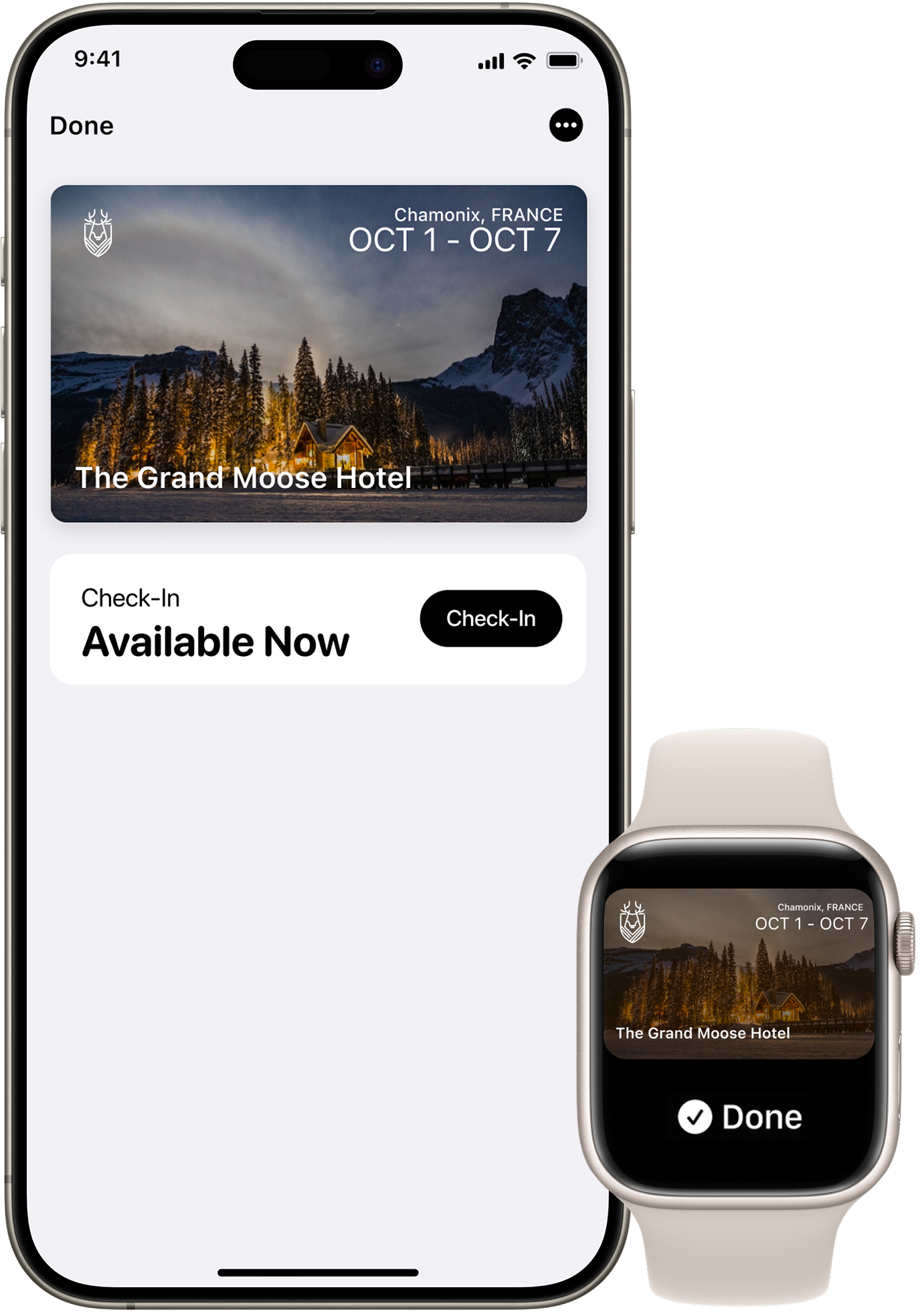
قبل وصولك، افتح تطبيق الفندق أو المنتجعات لإضافة مفتاح غرفتك إلى Apple Wallet على iPhone أو Apple Watch. بمجرد إكمال عملية تسجيل الوصول في التطبيق ، سيتم تنشيط مفتاح غرفتك ويكون جاهزا للعمل. ثم استخدم iPhone أو Apple Watch لفتح غرفتك والمساحات الأخرى.

الوضع السريع
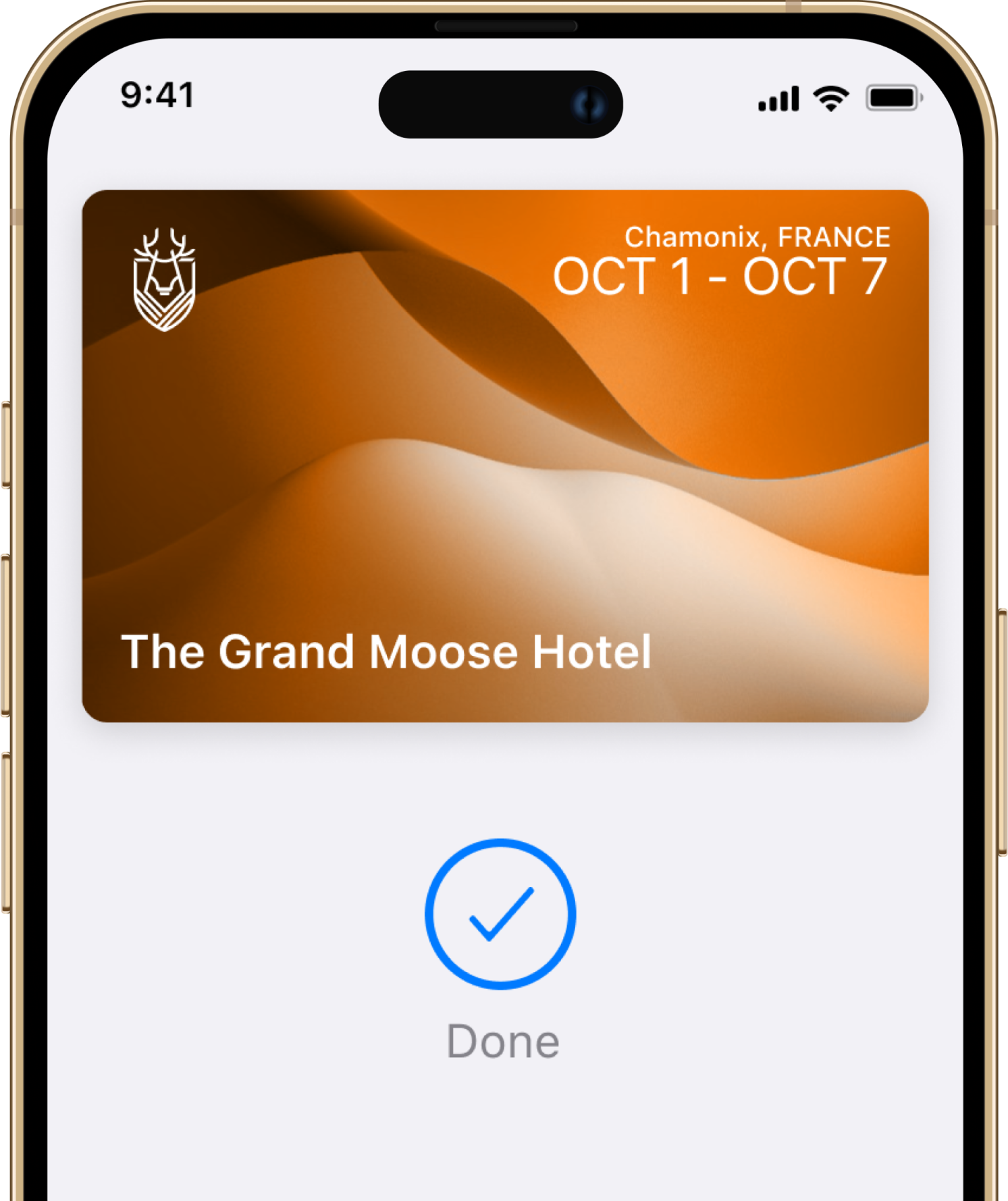
باستخدام "النمط السريع"، لن تحتاج إلى تنشيط iPhone أو Apple Watch أو إلغاء قفلها.

Easy check-in
تخطى الردهة واذهب مباشرةً إلى غرفتك بدون مفتاح فعلي.

تحديثات الغرف التلقائية
It’s easy, convenient, and private.

احتياطي الطاقة
حتى من دون شحن، سيظل جهاز iPhone الخاص بك متاحاً لك.
أسئلة؟ إجابات.
إجابات مباشرة للعاملين في الفنادق الذين يرغبون في معرفة كيفية سير الأمور.
Troubleshooting
I cannot add or use my room key in Apple Wallet. What do I do?
Try these basic troubleshooting steps: update to the latest version of iOS or watchOS; confirm that you have Face ID, Touch ID, or a passcode set on your device; check that your Apple Account is signed into iCloud with two-factor authentication turned on; and check whether Apple's terms and conditions were accepted in your settings when logging into iCloud.
لماذا يمكنني استخدام مفتاح الغرفة فقط في Apple Wallet في بعض الفنادق؟
There are currently a select number of hotels that can support room key in Apple Wallet. Other properties will be adding support soon.
Security and Privacy
ما مدى أمان المفاتيح في Apple Wallet؟
When your room key is added to Apple Wallet on your iPhone and Apple Watch, it is stored on your device, which means Apple does not see the spaces you access or when. Your data is private and secure.
ماذا أفعل في حالة فقدان أو سرقة جهاز iPhone أو Apple Watch؟
Use the Find My app or iCloud.com to suspend, deactivate or reactivate your device in Apple Wallet.
What are the best practices for securely sharing my room key in Apple Wallet?
Share your room key with trusted individuals only. For secure delivery, use Messages, with end-to-end encryption. You can also protect shared keys with a PIN code, which should be shared through a secondary channel.
If I lose my phone, what happens to the room keys I have shared with others?
If you lose your iPhone or Apple Watch, contact the front desk immediately. They can deactivate your room key. Additionally, use the Find My app or iCloud.com to mark your device as lost. This will deactivate all your cards and keys in Apple Wallet as soon as your device is connected. The keys you have shared with others will continue to function unless specifically revoked by the front desk or through your Apple Wallet.
Does sharing my room key give others access to my personal information?
No. When you share your room key in Apple Wallet, you are only sharing access to your room. No personal information, reservation details, or payment information is shared.
Sharing Your Key
هل يمكنني مشاركة مفتاح غرفتي في Apple Wallet مع الضيوف الآخرين المقيمين معي؟
نعم. يمكنك مشاركة مفتاح غرفتك بأمان مع أفراد العائلة أو الأصدقاء المقيمين في غرفتك. ما عليك سوى فتح مفتاح غرفتك في Apple Wallet واختيار زر المشاركة.
هل هناك حد لعدد المرات التي يمكنني فيها مشاركة مفتاح غرفتي؟
You can share your room key with a limited number of people at a time. Check with your hotel for the exact limit.
Do the people I share my room key with need a reservation at the hotel?
No, the people you share your room key with do not need their own reservation. However, they must be authorised guests staying in your room, and the total number of guests must comply with your room's occupancy limits.
هل يمكنني مشاركة مفتاح غرفتي مع شخص لديه جهاز Android؟
At this time, recipients must have an iPhone or Apple Watch in order to add a room key shared through Apple Wallet to their device.
هل يمكن للمستلم مشاركة مفتاح غرفتي مع شخص آخر؟
لا، لا يمكن للمستلم إعادة مشاركة المفتاح الذي تمت إضافته إلى Apple Wallet من خلال مشاركة المفتاح. يمكن فقط للمرسل الأصلي بدء المشاركة.
Using Your Key
هل يمكنني استخدام مفاتيح الغرف في Apple Wallet إذا كان لدي حجز لغرف متعددة؟
نعم. سيتم تفعيل مفتاح غرفتك تلقائيا لكل غرفة قمت بحجزها.
أين يمكنني استخدام مفتاح الغرفة في Apple Wallet؟
In addition to your room, your room key can also be used to access the same hotel spaces where you would use a physical key, such as the lift, main entrance, night entrance, fitness centre and common areas. Room key access to other areas may differ by hotel location.
هل أحتاج إلى إلغاء قفل جهاز iPhone الخاص بي لاستخدام مفتاح غرفتي في Apple Wallet؟
With Express Mode, you do not need to wake or unlock your iPhone or Apple Watch to use your room key in Apple Wallet. By default, Express Mode is turned on.
Can I still use my room key in Apple Wallet if my iPhone needs to be charged?
Power Reserve provides up to five hours of access after your iPhone battery needs to be charged. This feature is only available on iPhone XS, iPhone XS Max, and iPhone XR or newer.
On how many devices can I use my room key in Apple Wallet?
You can use your room key on up to two iPhones and two Apple Watches. They all need to be signed into the same iCloud account and Apple Account.
البدء
ما هو مفتاح الغرفة في Apple Wallet؟
You can add your room key to Apple Wallet and access hotel spaces with only your iPhone and Apple Watch. It is easy, convenient, and private.
كيف أقوم بإعداد مفتاح غرفة واستخدامه في Apple Wallet؟
A room key can be added to Apple Wallet after you book a reservation. After completing the online check-in, tap the Wallet icon to add your key. The room key will automatically activate once you check in and your room has been assigned. To use your room key, simply hold your iPhone or Apple Watch near the door lock.
ما الذي أحتاجه لبدء استخدام مفتاح الغرفة في Apple Wallet؟
An iPhone or Apple Watch running the latest version of iOS or watchOS, and an Apple Account signed into iCloud.
كيف يمكنني إضافة مفتاح غرفة إلى Apple Watch الخاصة بي؟
عند إضافة مفتاح الغرفة إلى Apple Wallet على جهاز iPhone الخاص بك، سيتم تلقائيًا إضافة مفتاح الغرفة إلى Apple Wallet على ساعة Apple Watch المقترنة. بمجرد إضافته، ما عليك سوى وضع ساعة Apple Watch بالقرب من القارئ.
هل لا تزال لديك أسئلة؟
تحدث إلى شخص حقيقي. نحن خبراء في مجال الضيافة.
معتمد وموثوق وآمن